
Restaurant Staff Management Tools Compared
Rota app, time clock, Notion, checklists or all-in-one? Which restaurant staff management tool does which job, and where the work falls between them.

Sunday, 07:10. Your breakfast cook texts: fever, not coming in. You open the rota app, offer the shift, and ten minutes later Marta accepts. Problem solved.
Then the real questions start. Marta has never opened on a Sunday. The opening checklist hangs on a clipboard in the office. How to descale the new coffee machine is written on a Notion page she has never seen. And the hours she works today will be clocked in yet another app.
Every tool did its own job. The work still fell between them.
In short
Restaurants manage their staff with five kinds of tools: a rota app plans who works when, a time clock records the hours, a wiki such as Notion keeps the procedures, a checklist covers the daily routines, and all-in-one workforce apps combine several of these. Each type is good at its own job. The trouble starts between them, above all when someone covers a shift and the tasks and know-how do not travel with it. Choose by the job that hurts most, then check how your tools hand work to each other.
We make Loopapa, one of the tools in this guide, so we are not neutral. Every claim about another product links to that vendor's own website, checked on 17 November 2026.
 Four tools, one morning
Overview · 5 kinds of tools
What kinds of tools do restaurants use to manage staff?
Five kinds: rota apps, time clocks, wikis or handbooks, checklists, and all-in-one workforce apps. Most small restaurants use two or three of them side by side, often next to a WhatsApp group. Here is what each type is built for, with real examples.
Type 1
Shift rota apps
A rota app plans who works when. You build the week, publish it to everyone's phone and handle swaps and changes. Most also clock the hours.

Good at
- Building and publishing the rota; Planday also offers Auto Schedule.
- Clocking in and timesheets (all three).
- Team messaging (all three).
- Payroll: inside 7shifts, through Paycor in Deputy.
Not built for
- A handbook of procedures: they store documents, but none of the three names a handbook or knowledge base.
- Daily checklists: 7shifts and Deputy offer task management, but none of the three names checklists.
7shifts is built for restaurants; Deputy and Planday serve many industries, hospitality among them. Checked 17 Nov 2026 on 7shifts.com, deputy.com and planday.com.
Type 2
Time clock apps
A time clock records when people start and stop, on their phone, on a shared device by the door or on a computer, and turns it into timesheets.
Good at
- Timers and timesheets.
- A kiosk mode for a shared device (both).
- GPS and geofencing at clock-in (Jibble).
- Exports of the hours (Jibble: XLS or CSV).
- Basic work schedules (both).
Not built for
- Tasks and checklists: neither product page names them.
- Procedures or a handbook: not named either.
Jibble lists hospitality among its industries. Checked 17 Nov 2026 on clockify.me and jibble.io.
Type 3
Wikis and handbooks
A wiki is where you write down how things are done: opening steps, recipes, how to clean the slicer. Notion is the best-known example in small restaurants.
Good at
- Any page, list or table you can think of.
- A large template gallery, including schedules and checklists (many made by other users).
- Free-form knowledge far beyond the shift.
Not built for
- Running the shift: there is no built-in rota or time clock. A schedule in Notion is a page or database you set up and keep current yourself.
- Reaching the right person at the right moment: a page waits until someone opens it.
Checked 17 Nov 2026 on Notion's template gallery.
Type 4
Checklists
Opening, closing, cleaning and hygiene routines. In many restaurants this is still a clipboard or a shared spreadsheet; workforce apps such as Connecteam include checklist features too.
Good at
- Making routines visible and easy to tick off.
- Showing what was done, if people actually tick.
Not built for
- Knowing who is on shift today, or who replaces whom.
- Reminding anyone: a clipboard only speaks when someone looks at it.
Connecteam lists Forms & Checklists, checked 17 Nov 2026 on connecteam.com.
Type 5
All-in-one workforce apps
These combine scheduling, time clock and more in one app. They overlap most with Loopapa.
Good at
- Connecteam: scheduling, time clock, forms and checklists, task management, a knowledge base, documents, chat and training; tasks can be added to shifts in the schedule.
- Papershift: shift planning, time tracking, absences, a digital personnel file and knowledge management with an AI chat for internal questions.
Not built for
- One trade only: Papershift serves many sectors, hospitality among them.
- A quick start: the more modules, the more there is to set up.
Checked 17 Nov 2026 on connecteam.com/features and papershift.com.
Compare · 9 jobs × 9 tools
Which tool does which job?
Here every tool is a real product, and Loopapa is one of them, so you compare like with like. The small grey label under each name says what kind of tool it is. On a wide screen the overview shows everything at once; below it, pick a job to read what each tool does for it.
Pick a job
Job 1 of 9
Plan who works when
Scheduling
Scheduling
Scheduling
Basic schedules
Basic schedules
A page or database you set up and keep current
Scheduling with tasks and info in the schedule
Shift planning
Hours per person: weekly, every few weeks, split days; leave and swaps
Job 2 of 9
Record the hours people work
Time Clocking
Time clock app
Punch Clock, clock in from the phone
Timer, timesheets, kiosk on a shared device
GPS and geofencing, kiosk
Only as a template
Time Clock
Clock in/out via app
GPS clock-in, work zone; missed clock-outs held for review
Job 3 of 9
Build next week’s rota automatically
Auto Schedule
Auto-fill the weekly rota from leave and availability
You set each person’s hours once; there is no automatic planning
Job 4 of 9
Find cover when someone calls in sick
Shift swapping
Request to swap and hand over shifts
Shift coverage: swap requests and backup staff
Ask one person or a group; the first to accept takes the shift
Job 5 of 9
Give the absent person’s tasks to the cover
Task management; whether tasks follow the cover is not stated
Task management; whether tasks follow the cover is not stated
The page exists, but nobody is pointed to it
Tasks are built into the schedule
Routine tasks move to the cover’s phone with the attached guides
Job 6 of 9
Daily routines and checklists
Task management and a Manager Log Book; checklists not named
Task management; checklists not named
A page you tick by hand
Forms & Checklists
Recurring tasks, cleaning and hygiene checklists, temperature checks
Job 7 of 9
Write down how things are done
Document storage; no handbook named
Document management; no handbook named
Document management; no handbook named
Its core job
Knowledge Base
Knowledge Management
Handbook: record a voice note and AI writes the procedure
Job 8 of 9
Answer staff questions from your own procedures
Staff search the pages themselves
Staff look it up in the Knowledge Base
AI chat for internal questions
Ask AI answers only from your handbook and says when the answer is missing
Job 9 of 9
Pass the hours to your accountant or payroll
Payroll in the same app
Timesheets to Paycor payroll
Payroll reporting
Timesheets
Export as XLS or CSV
Timesheets ready for payroll
Timesheets help prepare payroll
Timesheets as CSV or PDF; no payroll in the app
“Not listed” means we did not find it on the vendor’s own website when we checked on 17 November 2026; the product may still offer it, so ask the vendor. Every claim comes from the vendor’s site, linked in the cards above. Apps change: tell us if something here is out of date.
Case · one Sunday morning, minute by minute
Where does the work fall between tools?
At the hand-offs. When a shift changes hands, the rota knows. The tasks of that shift and the know-how behind them often do not. Back to Sunday morning:
Five questions to ask any tool
They show quickly whether a tool, or a set of tools, closes these gaps:
- When someone covers a shift, do the absent person's tasks move to the stand-in?
- Can the stand-in see how each task is done, on the task itself?
- Can staff ask a question and get the answer from your own procedures?
- Are hours recorded where the work happens, on the phone staff already carry?
- Does it work in the languages your team speaks?
 Hours, tasks and guides in one place
Our approach · one app for hours, tasks and know-how
How does Loopapa connect hours, tasks and know-how?
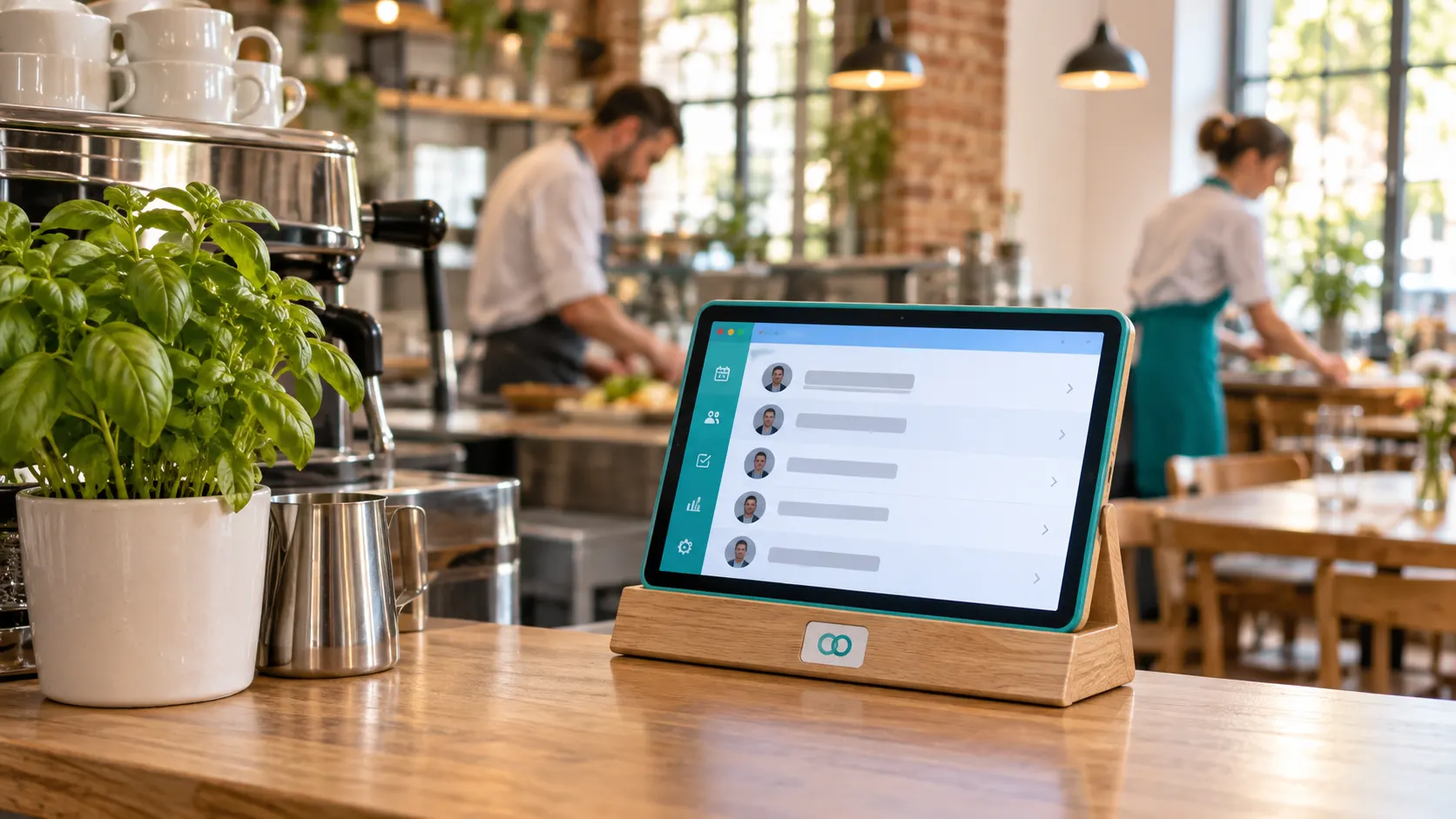
By keeping them in one app, so that when someone covers a shift, the work goes with it. Loopapa is the team app we build for small restaurants, cafés, bars and hotels:
Hours, set once
Each person's working hours: weekly, every few weeks, split days or a single day. Staff request leave from the app, and you ask one person or a group to cover; the first to accept takes the shift. Swaps work too.
Cover hands over the work
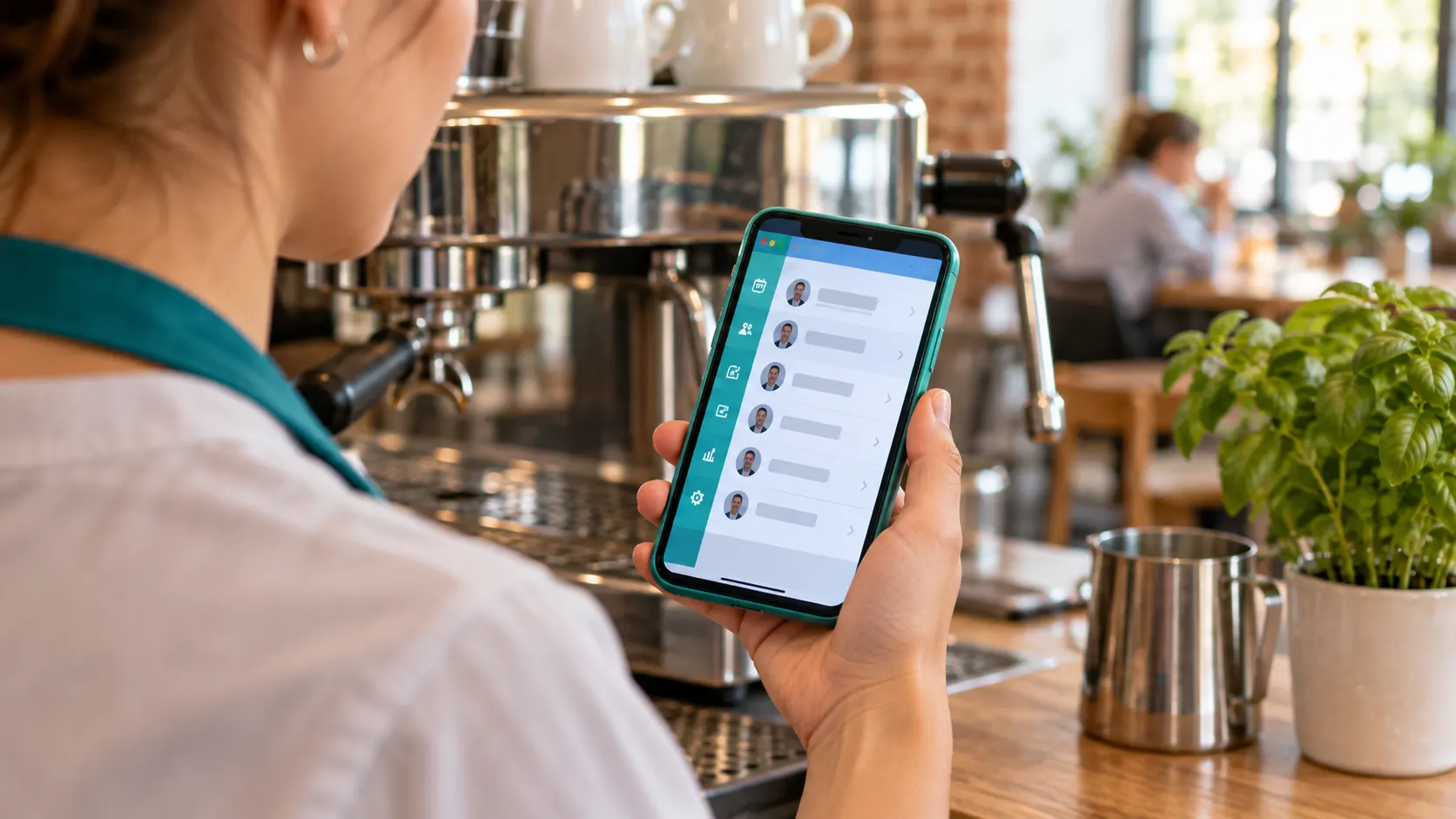
When a colleague covers, the absent person's routine tasks appear on the stand-in's phone, together with how each task is done when a Handbook guide is attached to it. If something is unclear, they can ask Ask AI about the procedure.
Routines that show up by themselves
Set opening, closing and cleaning tasks once (daily, weekly or monthly) and they appear on schedule. Temperature checks and hygiene checklists run as tasks too.
A handbook you can talk into
Record a 30-second to 3-minute voice note and AI writes the full procedure with headings and numbered steps. Ask AI then answers staff questions only from your own handbook, and says so when the answer is not there.
Clock-in on the phone
GPS clock-in with an optional work zone, reminders at the start and end of each person's hours, and forgotten clock-outs held for review instead of turning into 14-hour shifts.
Everyone in their own language
Tasks are translated automatically into 20+ languages.
Hours ready to hand over
Regular, overtime and pending time are counted, and timesheets export as CSV or PDF for your accountant.
It runs on iPhone, Android and in the browser. For the details of cover and overtime, read shift management: schedules, overtime and sick cover; for the handbook, build your team's knowledge base.
 Today's work on the phone
Decide · when another tool wins
When is another tool the better choice?
When your main pain is one specific job that a specialist does more deeply. An honest split:
Choose another tool if…
- you want the software to build next week's rota for you (Planday offers Auto Schedule);
- you want payroll in the same product (7shifts; Deputy through Paycor). Loopapa exports timesheets but does not run payroll;
- you only need a time clock, perhaps on a shared kiosk device (Clockify, Jibble);
- you want a free-form workspace for everything beyond the shift (Notion);
- you need hours checked against working-time law: Loopapa records and counts hours, it does not check them against legal limits;
- your business is not in hospitality: Loopapa's other industries are not available yet.
Loopapa fits if…
- you run a small restaurant, café, bar or hotel and your staff have smartphones;
- sick calls and covers are where things go wrong;
- your procedures live in people's heads, on paper or in a wiki nobody opens;
- your team speaks several languages;
- you want hours, daily tasks, hygiene checks and the handbook in one app instead of three or four.
Cost
What does Loopapa cost?
Loopapa starts with a free trial and free credit. After that you pay only for what you switch on, and a set of basic features stays free. See the pricing page for what is included and current rates.
For the other tools in this guide, check each vendor's own pricing page. We do not quote their prices here, because they change often.
FAQ
Frequently asked questions
Can I run my restaurant's rota in Notion?
You can build a schedule as a Notion page or database, and ready-made templates exist. But Notion has no built-in rota or time clock: you set it up, keep it current and tell people about changes yourself. Many restaurants keep Notion for procedures and use a rota or all-in-one app for the shifts.
Do I need separate apps for the rota, the time clock and the handbook?
No. Most rota apps already clock the hours, and all-in-one apps add checklists or a knowledge base. Separate tools work when one person keeps them in step; they hurt most when shifts change at short notice.
What is the difference between a rota app and an all-in-one workforce app?
A rota app is built around the schedule and the hours. An all-in-one app adds the work around the shift, such as tasks, checklists, documents or a knowledge base. Check how those parts connect: for example, whether tasks follow a person who covers a shift.
Which tool helps most when someone calls in sick?
For finding cover, any rota or all-in-one app helps. For getting the work done, look for a tool where the tasks and the guides move to the stand-in. In Loopapa, the absent person's routine tasks appear on the covering person's phone with the attached Handbook guides, and they can ask Ask AI about the procedure.
How much does Loopapa cost?
Loopapa starts with a free trial and free credit. After that you pay only for what you switch on, and a set of basic features stays free. The pricing page shows what is included and current rates.
Let the work follow the shift
Hours, daily tasks and your handbook in one app, on the phones your team already carries.
Start your free trialKeep reading
7shifts, Deputy, Planday, Clockify, Jibble, Notion, Connecteam and Papershift are trademarks of their respective owners. Loopapa is not affiliated with or endorsed by them. Logos are shown unchanged, for identification only. Product features checked on each vendor's own website on 17 November 2026.