
Restaurant management with AI The app for rotas, clock-ins and daily tasks in restaurants and cafés
Say what needs doing, and AI drafts the task: who, when and how urgent. A voice note becomes a written procedure, and each person gets their tasks in their own language.
Every feature is open during the trial, and free credit is included. Works on iPhone, Android and in any browser.
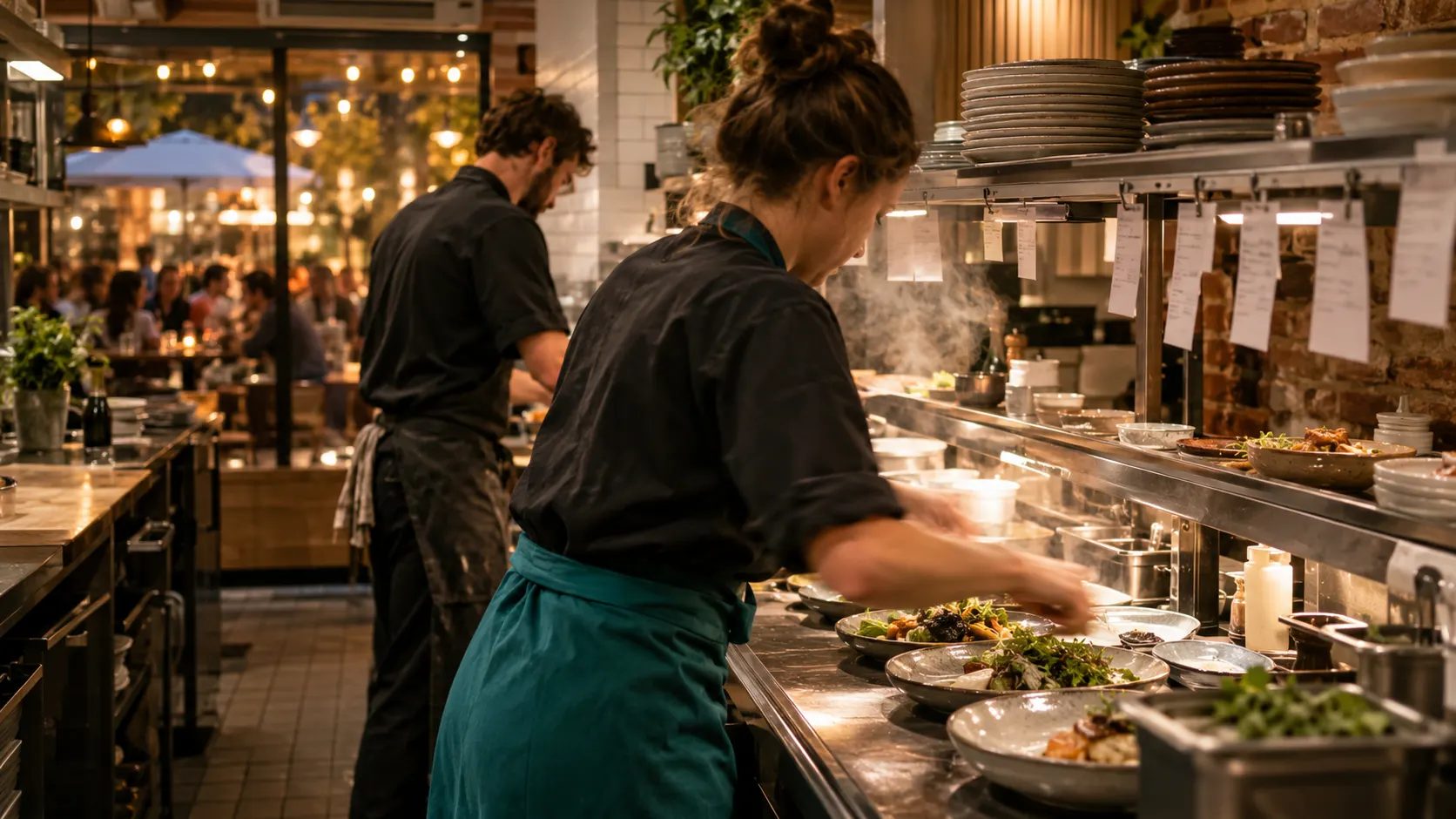
- 08:02Marta clocks in at the door. You see it from home.
- 08:31The morning fridge check is done and on record.
- 11:40Jonas is on leave. Lina covers, and his tasks move to her phone.
- iPhone, Android, browserStaff use the phone they already have
- Free trial and free creditEvery feature open. No sales call needed
- Your data stays yoursEach business is kept separate
- An EU company in VilniusHometection Technologies MB
See Loopapa in under a minute
A short film: from what is only in your head to a handbook, shifts and hours your team can use. It is better with sound.
One app instead of four workarounds
- The WhatsApp group
- The paper fridge log
- The Excel rota
- Paper kitchen tickets
- Loopapa
Someone is off. The shift still runs.
Set each person's hours once. When someone asks for leave, you choose who can cover, and the first to accept takes the shift together with its routine tasks.
- Hours per person: weekly, every few weeks, or split days.
- Leave requests and shift swaps from each person's own phone.
- The stand-in gets the tasks with the guides attached to them, so nobody explains the job twice.
Know who is in, without calling the kitchen
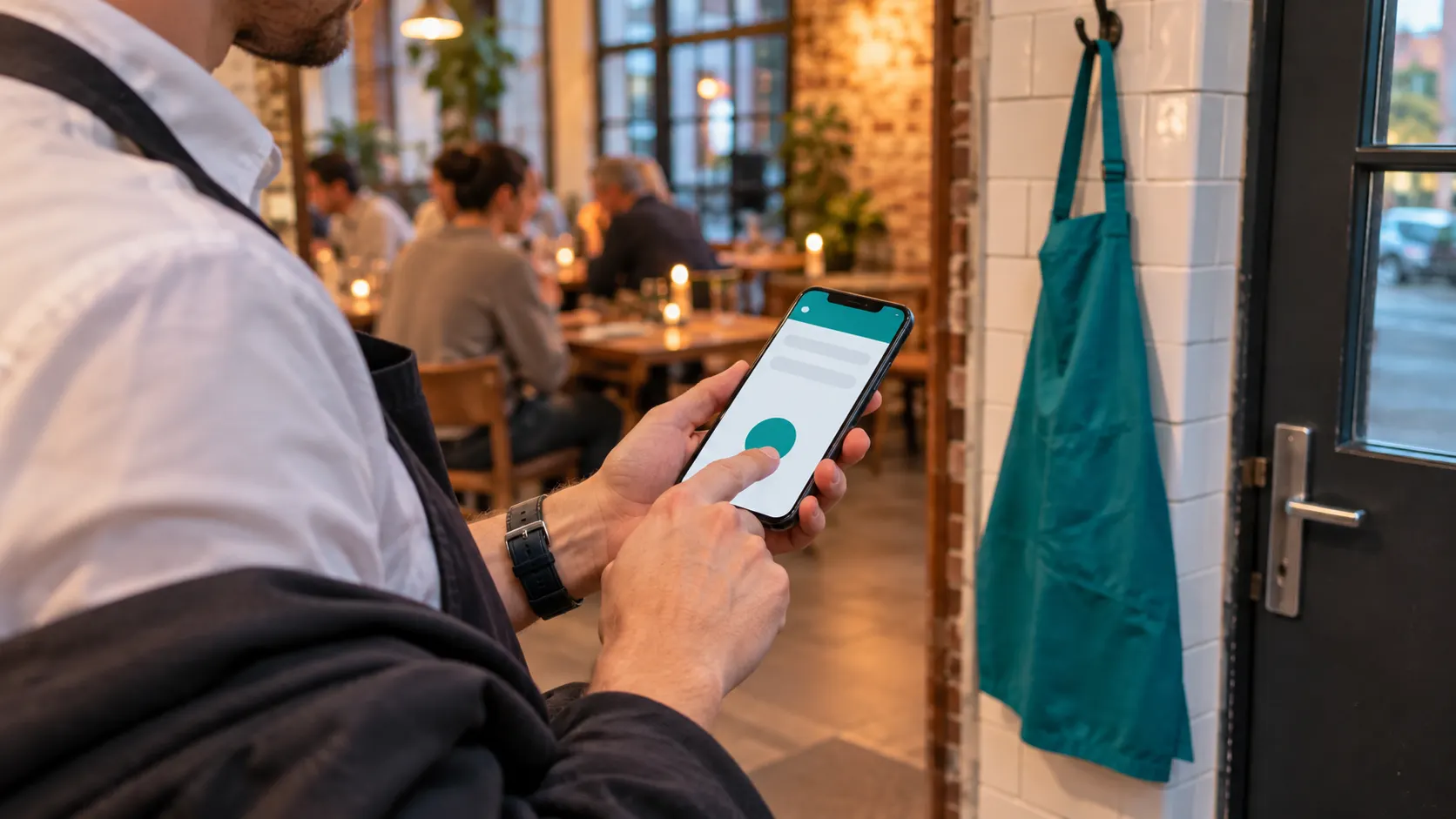
Staff clock in on their own phone when they arrive. Loopapa checks that they are inside the work zone and shows you who is on shift right now.
- GPS clock-in, blocked outside the work zone you set.
- Regular, overtime and pending time counted for each person.
- Hours ready for payroll as a CSV or PDF file.
 AI illustration
 AI illustration
Say it once. It shows up every day.
Speak or type a task and Loopapa drafts who does it, when, and how urgent. Set a routine once and it appears on schedule.
- Opening, cleaning and closing routines that repeat by themselves.
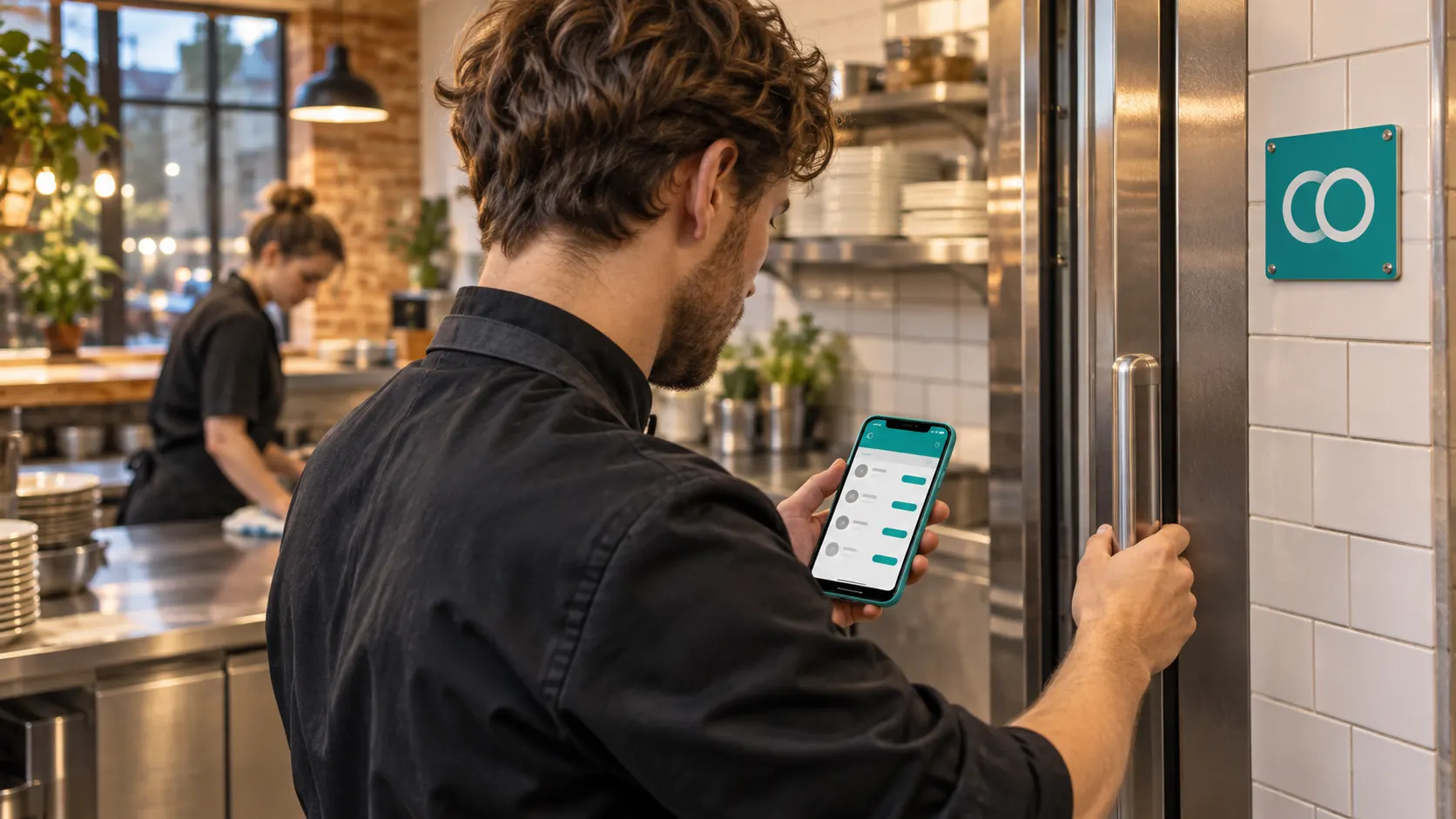
- Temperature checks as tasks, with an alert when a reading drifts out of range.
- Printable HACCP reports, ready for the manager's signature.
Every order on one kitchen screen
Any TV, tablet or computer with a browser becomes a kitchen display. Cooks tick each dish, a live counter shows what is still to make, and an order closes itself when its last dish is done.
Which orders reach the screen?
Paysera POS works today. Do you use another till or ordering system, or sell on Wolt or Bolt Food? We connect it for you. One condition: that company has to open its API to your restaurant, so ask them first whether your plan with them includes it. If it does, we do the setup.
One day, from opening to close
The rota, the clock-in and the work itself live in the same app, so each step hands over to the next.
- 07:45Marta clocks inHer opening tasks are already on her phone.
- 08:30Fridge checkThe reading goes straight into the HACCP record.
- 11:40Jonas is on leaveLina accepts the cover and gets his tasks.
- 12:30Lunch ordersEach dish stays on the kitchen screen until a cook ticks it.
- 16:00A new instructionYou say it once and it becomes a task for the evening team.
- 22:30Close-downThe checklist is done and the day's hours are counted.
 AI illustrationMorning
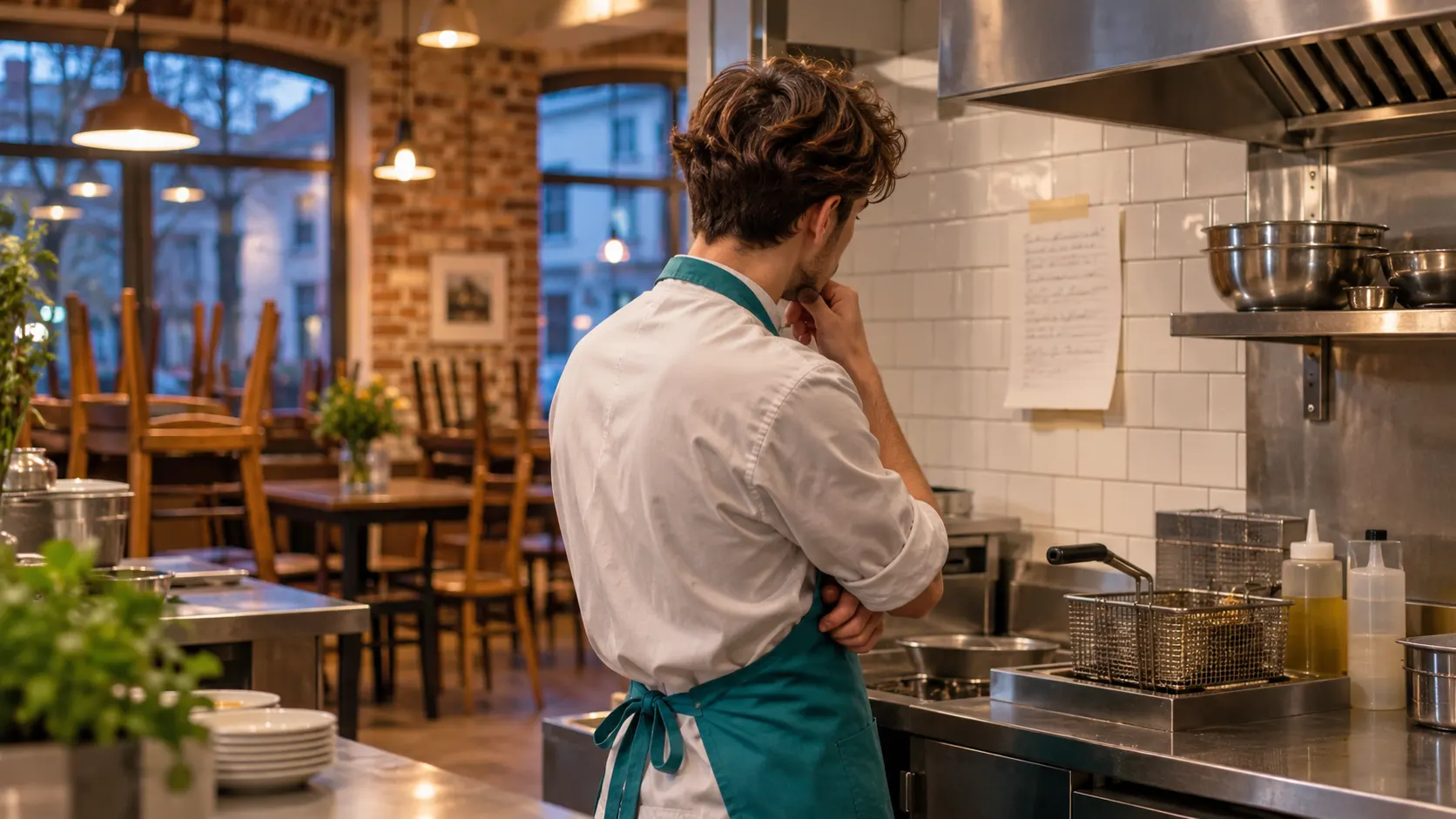 AI illustrationClose
Every task, in each person's own language
Write the task in your language. Each person reads it in theirs, and replies in the task chat are translated on demand.
- Tasks translated automatically into more than 20 languages.
- Record a voice note and it becomes a written procedure in your handbook.
- Staff ask a question and get the answer from your own procedures.
In daily use at Žapony in Vilnius
Žapony is a Japanese restaurant in Vilnius, and its kitchen runs on Loopapa every working day. The kitchen display began as their request: one screen for the orders, tied to who is clocked in.
Žapony restoranasAntakalnio g. 77, Vilnius
Start in three steps
- Get the appOn iPhone, Android or in any browser. The free trial opens every feature and comes with free credit.
- Add your teamCreate a login for each person. They use the app on their own phone.
- Set hours and routinesEnter each person's hours and the daily routines once. Loopapa repeats them.
What Loopapa does not do
Better to know before you start.
- It is not a tillIt shows orders in the kitchen. It does not take payments.
- It does not run payrollYou get the hours as a CSV or PDF file for your accountant.
- It does not check labour lawYour rota is not checked against working-time rules. That stays with you.
Questions owners ask first
What is Loopapa?
Loopapa is a restaurant management app for small restaurants, cafés, bars and hotels. It covers shifts and leave, clock-in and counted hours, daily tasks and temperature checks, a team handbook and a kitchen display. Built-in AI drafts tasks from what you say or type, and turns voice notes into written procedures.
Do my staff need special equipment?
No. Staff use the Loopapa app on their own iPhone or Android phone. Managers can also work in any browser, and the kitchen display runs on any TV, tablet or computer with a browser.
My team speaks several languages. Does that work?
Yes. Tasks are translated automatically into more than 20 languages, so each person reads them in their own language. Chat on a task is translated on demand.
Does it work with Wolt, Bolt Food or my till?
Paysera POS works with the kitchen display today. For another till or ordering system, or for Wolt and Bolt Food, we build the connection for you on one condition: that company has to open its API to your restaurant. Ask them first whether your plan with them includes it. If it does, we do the setup.
Does Loopapa do payroll or check labour law?
No. Loopapa counts regular, overtime and pending time and exports the hours as a CSV or PDF file for your accountant. It does not calculate pay and it does not check your rota against working-time rules.
Where is my data kept?
Loopapa runs on Google Cloud. Each business's data is kept separate from every other business, and it is deleted on request when you close your account. Loopapa is made by Hometection Technologies MB, a company registered in the EU and based in Vilnius.
How do I try it?
Start the free trial in the app or in your browser. Every feature is open during the trial and free credit is included, so you can run real shifts with your own team before you decide.
From the Loopapa blog
Practical guides for running a small restaurant.
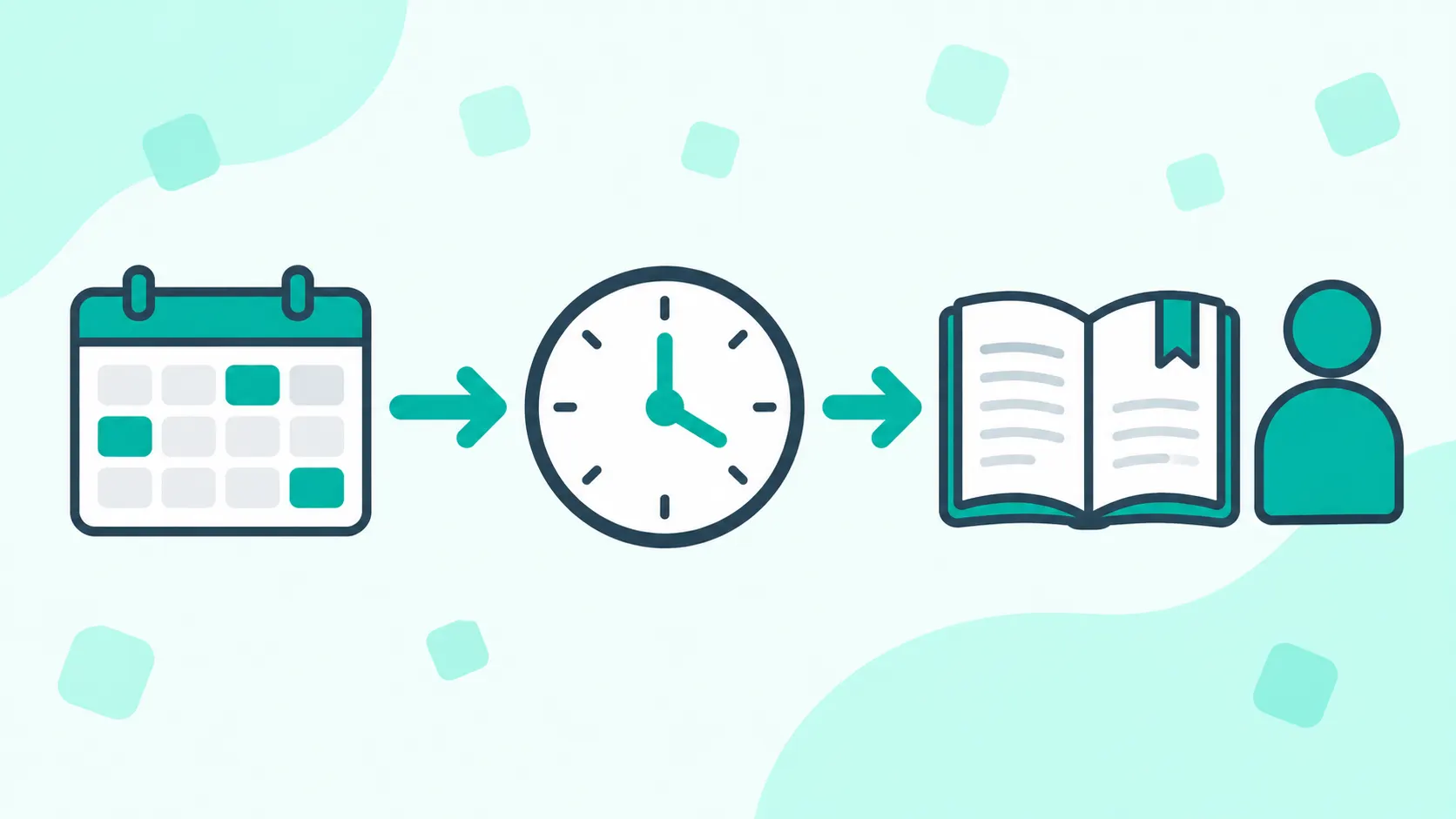
Restaurant Staff Management Tools Compared
Rota app, time clock, Notion, checklists or all-in-one? Which restaurant staff management tool does which job, and where the work falls between them.
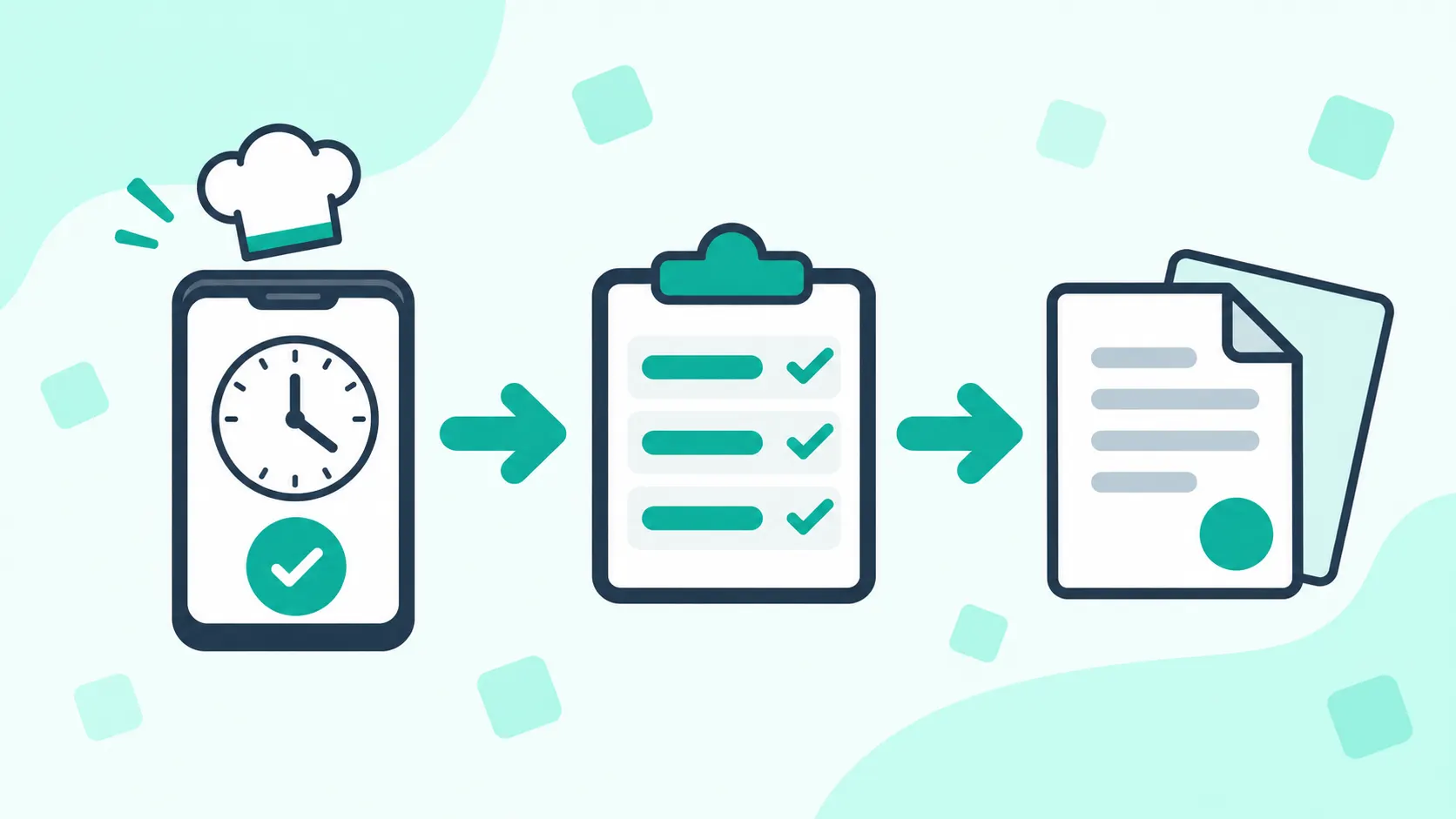
Restaurant Time Tracking: What to Record
Restaurant time tracking: what to record for every shift, how to handle split shifts and missed clock-outs, and how to do it from staff phones.
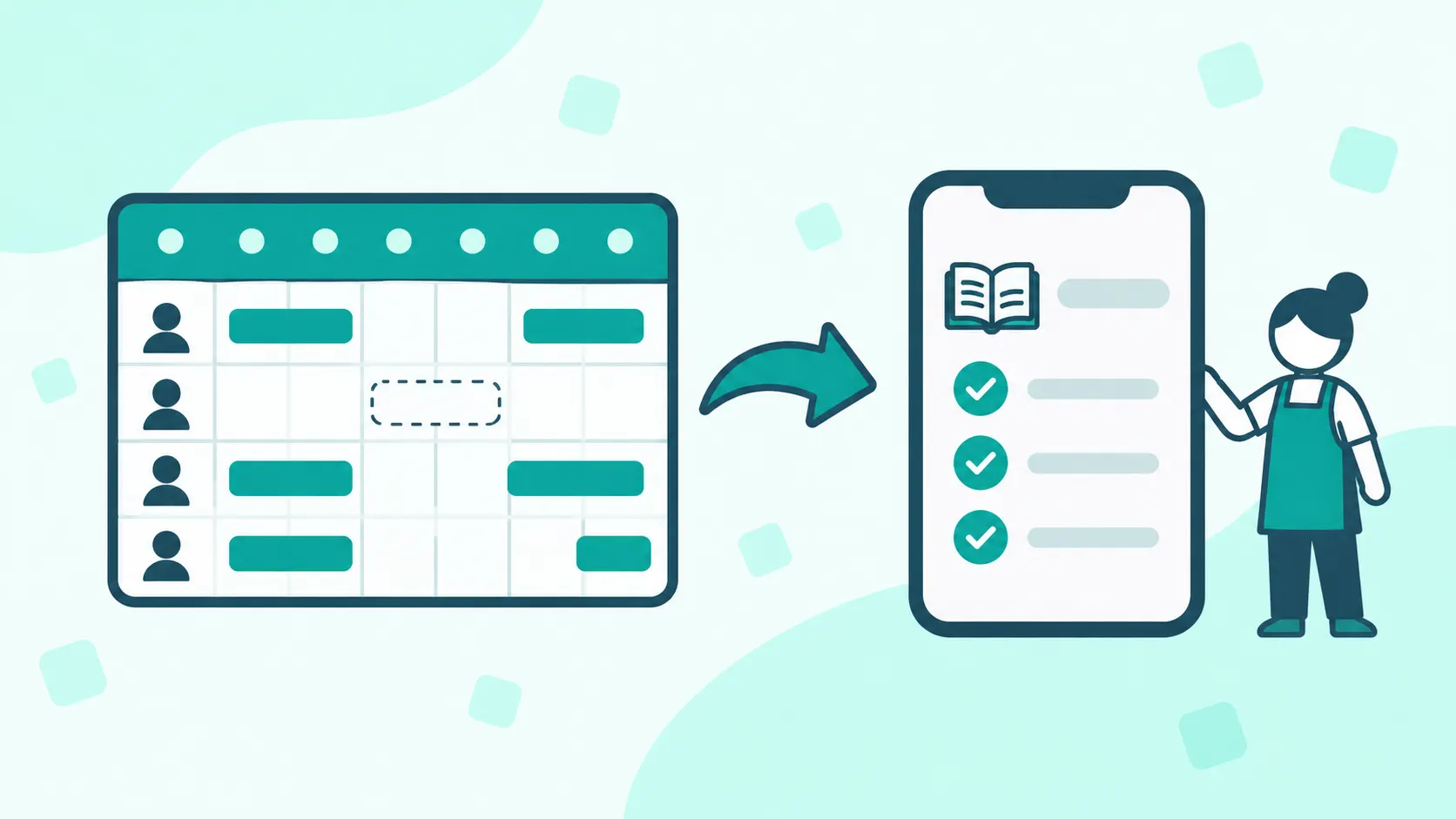
Staff Rota Apps for UK Restaurants Compared
Staff rota apps for UK restaurants compared: RotaCloud, Deputy, Planday, 7shifts, Findmyshift, Connecteam and Loopapa on what happens when someone is off.
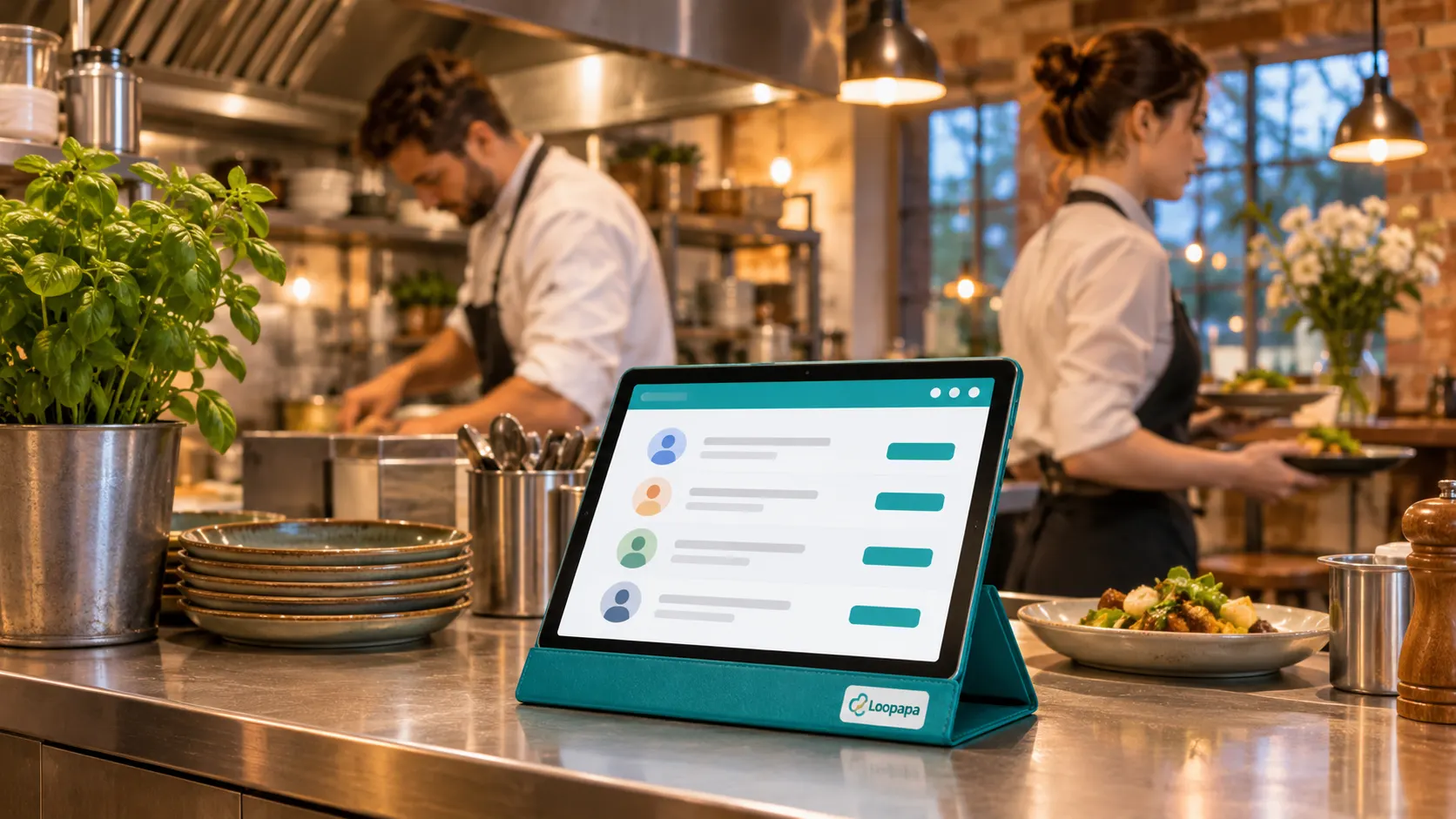
Run tomorrow's shift from one app
Every feature is open during the free trial, and free credit is included. Bring your own team and see how a real day goes.