
Staff Rota Apps for UK Restaurants Compared
Staff rota apps for UK restaurants compared: RotaCloud, Deputy, Planday, 7shifts, Findmyshift, Connecteam and Loopapa on what happens when someone is off.

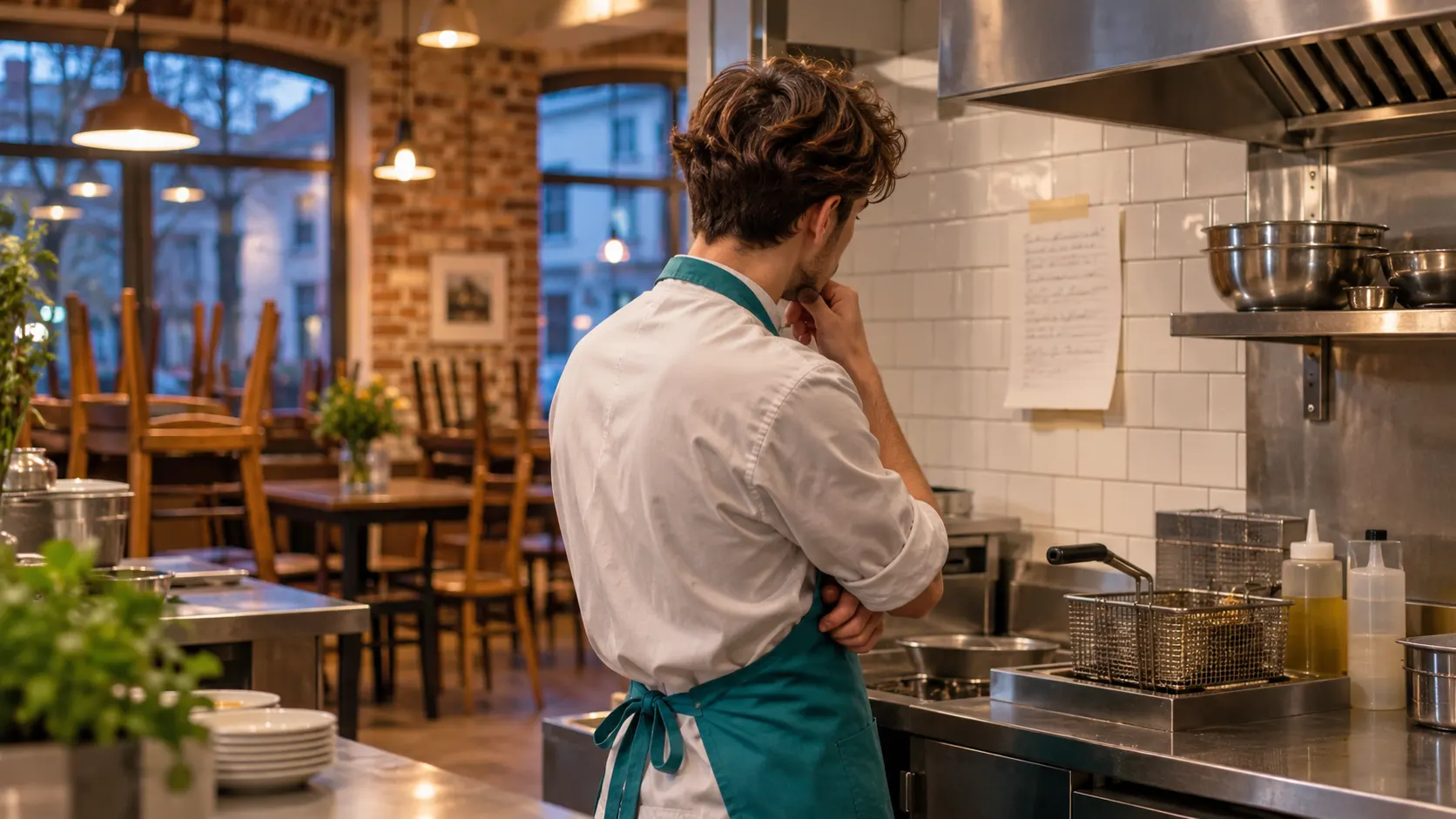
On Sunday night the rota looked perfect. Every shift had a name, everyone had seen it in the app, and the week was covered down to the last close. On Thursday at 16:10, Tom sends a message: fever, he can't come in. Mia says she can close instead. Problem solved — on the rota.
But Mia has never closed. She doesn't know that the fryer oil is filtered after the last order, that the walk-in fridge reading is logged before the lights go off, or which cleaning checklist the morning team expects to find done. Tom knows all of it, and Tom is at home in bed. The rota app did its job: it found someone for the hours. Nobody handed her the work.
That gap is what this comparison is about. Most staff rota apps for UK restaurants now do the basics well — building the rota, clocking in, holiday and swap requests. Where they really differ is what happens to a shift's work when the person on the rota is not the person who usually does it. We compared seven apps on both.
In short
A staff rota app tells you who should be working. For a small restaurant, the harder question is what happens to the work when one of those people is off. All seven apps compared here — RotaCloud, Deputy, Planday, 7shifts, Findmyshift, Connecteam and Loopapa — handle rotas, clock-ins and leave or swap requests. They differ on the handover. Connecteam, 7shifts and Deputy can attach tasks to a shift, a role or an area. Loopapa moves the absent person's own routine tasks, with any how-to guide attached to them, to the colleague covering, who can also ask the team handbook how a task is done.
What should a small restaurant look for in a staff rota app?
Five things: a rota your team can see on their phones, a time clock tied to the restaurant, leave and swap requests in one place, records you can hand to payroll, and a way for the work to follow whoever covers. The first four are now standard. The fifth is where the apps in this comparison really differ.
A rota on every phone
No more photos of the printed rota in the group chat. Changes reach people as notifications.
Clock-in at the restaurant
A time clock that knows where the work is, so recorded hours match the hours worked.
Leave and swaps in one place
Holiday, sick days and shift swaps requested and approved in the app, not in private messages.
Records for payroll
Timesheets that whoever runs payroll can use without retyping them.
The work follows the cover
When someone stands in, they get the shift's tasks, how each one is done, and somewhere to ask.
Point five matters more in a small restaurant than in a big one. With a team of eight or ten, each person usually owns a few routines nobody else does: the opening checks, the closing clean, the stock count before the delivery. When that person is off, the routines are the first thing to slip, and the rota alone won't show it.
 Thursday close
How do RotaCloud, Deputy, Planday, 7shifts, Findmyshift, Connecteam and Loopapa compare?
On the basics they are close: all seven let you plan hours, give staff a mobile app, record clock-ins and handle leave or swap requests. The second table is where they separate — what happens to the shift's work when someone else covers it. Both tables were checked against each vendor's own website and help centre in November 2026. Scroll sideways on a phone.
Table 1 — The basics
| App | Rota planning | Staff mobile app | Time clock | Leave and swap requests | Sources |
|---|---|---|---|---|---|
| RotaCloud | Drag-and-drop rota builder and rota templates | Yes, employee app | Mobile and tablet clock-in, GPS restrictions | Leave requests and allowances; shift swaps | Features · Staff guide · Pricing |
| Deputy | Scheduling and open shifts | Yes, Deputy app | Timesheets and live attendance | Leave requests and balances; shift swaps | Features · Pricing |
| Planday | Scheduling with templates | Yes, employee app | Punch Clock on the phone | Time off; swap or hand over shifts | Features · Pricing |
| 7shifts | Restaurant scheduling | Yes, 7shifts app | Time clocking | Time off; shift swaps with manager approval | Features · Pricing |
| Findmyshift | Drag-and-drop shift planner | Yes, iOS and Android apps | Time clock | Time off requests; shift swaps pending manager approval | Features · Pricing |
| Connecteam | Templates, recurring shifts, auto-scheduling | Yes, Connecteam app | Phone, shared tablet or NFC clock-in; geofence | Shift swaps and open shifts; time off | Features · Pricing |
| Loopapa | Standing hours per person: weekly, every few weeks, split days | Yes, iPhone and Android | GPS clock-in inside your work zone | Leave requests, cover requests, shift swaps | Shift guide · Clock-in · 14-day free trial |
Table 2 — The handover: what happens to the work
| App | Does the work move to the person covering? | How-to with the task | Ask a question about a procedure | Kitchen and food-safety checks |
|---|---|---|---|---|
| RotaCloud | Not listedNo task lists among the features on its website. Source | Not listedDocument storage for HR files, not tied to tasks. Source | Not listed | Not listed |
| Deputy | PartlyShift tasks belong to a work area and a time of day, so anyone scheduled there sees them. Tasks given to a named person stay with that person. Source | PartlyNotes on tasks and on each subtask. Source | Not listed | Not listedGeneral task lists only. |
| Planday | Not listedNo task lists among the features on its website. Source | Not listedWork documents stored in the app, not attached to tasks. Source | Not listed | Not listed |
| 7shifts | PartlyTask lists assigned to a role or department reach whoever works it. A task assigned to one employee does not move when that shift is swapped or given away. Tasks is a paid add-on. Source · Add-on | YesDescriptions and detailed instructions on each task. Source | Not listedIts AI builds training courses from your documents. Source | PartlySanitation checklists as task lists. Source |
| Findmyshift | Not listedNo task lists among the features on its website. Source | Not listedDocument storage and a notice board, not tied to tasks. Source | Not listedIts Ask AI helps with using Findmyshift itself. Source | Not listed |
| Connecteam | PartlyTasks sit on the shift itself, and checklists can be attached to shifts, roles or locations. Source · Checklists | YesFiles, images and shortcuts attached to the shift. Source | YesAn AI agent in the chat answers from your own knowledge base. Source | PartlyDigital checklists with photo proof; its restaurant page doesn't mention temperature logs. Source |
| Loopapa | YesThe absent person's own routine tasks appear in full on the covering colleague's phone. How cover works | YesWhen a Handbook guide is attached to a task, it travels with the task. Handbook | YesAsk AI answers only from your own Handbook, and says so when the answer isn't there. Ask AI | YesTemperature and hygiene checks as tasks, plus a kitchen display screen. |
Not listed means we could not find the feature on the vendor's own pages in November 2026 — not proof that it doesn't exist. Features change, so check the vendor's site before you decide.
Read the second table from left to right and a pattern appears. Connecteam comes closest to a full handover: tasks sit on the shift, files can be attached to it, and an AI agent answers questions from your knowledge base. 7shifts and Deputy get part of the way by tying task lists to a role or a work area. The difference with Loopapa is where the work lives. In those apps it belongs to the shift slot or the role; in Loopapa it belongs to the person's own routine, so whoever covers inherits exactly what the absent colleague would have done that day — each task with its guide, if one is attached.
Which rota app is right for which restaurant?
It depends on what hurts most today: building the rota, controlling labour cost, or keeping the work going when people are off. Here is an honest one-line case for each app, and the thing to check before you choose it.
RotaCloud
Best for: UK teams that want a simple rota with holiday management, timesheets and UK-based support.
Watch out for: no task lists among its listed features, so routines and handovers live somewhere else.
Deputy
Best for: growing teams that want schedule auto-fill and labour forecasting, which Deputy lists on its higher plans.
Watch out for: shift tasks follow the work area and time, not the person — fine when the cover works the same area; tasks given to a named person stay with them.
Planday
Best for: teams that want working-time rules and compliance warnings built into scheduling, with payroll reporting.
Watch out for: no task lists among the features on its website, so the work of a shift isn't handed over with it.
7shifts
Best for: restaurant-only teams that want scheduling, time clocking, training and team communication from one restaurant-specific platform.
Watch out for: Tasks is a paid add-on, and only role- or department-based task lists reach the person who swaps in.
Findmyshift
Best for: teams that want a straightforward drag-and-drop rota with a time clock, shift reminders and time-off requests.
Watch out for: no task or procedure features, so it covers the hours and nothing more.
Connecteam
Best for: teams that want one app for scheduling, checklists, training and a knowledge-base chatbot. It is the closest to Loopapa on handing over work.
Watch out for: it is built for any deskless team, and its restaurant page doesn't mention temperature logs or a kitchen display.
Loopapa
Best for: small restaurants and cafés where a few people cover each other, and where the daily routines — opening, closing, temperature and cleaning checks — matter more than optimising the rota.
Watch out for: it doesn't build rotas for you, calculate pay or check your hours against the law. See the full list below.
 Covering for Tom
How does Loopapa hand the work to the person covering?
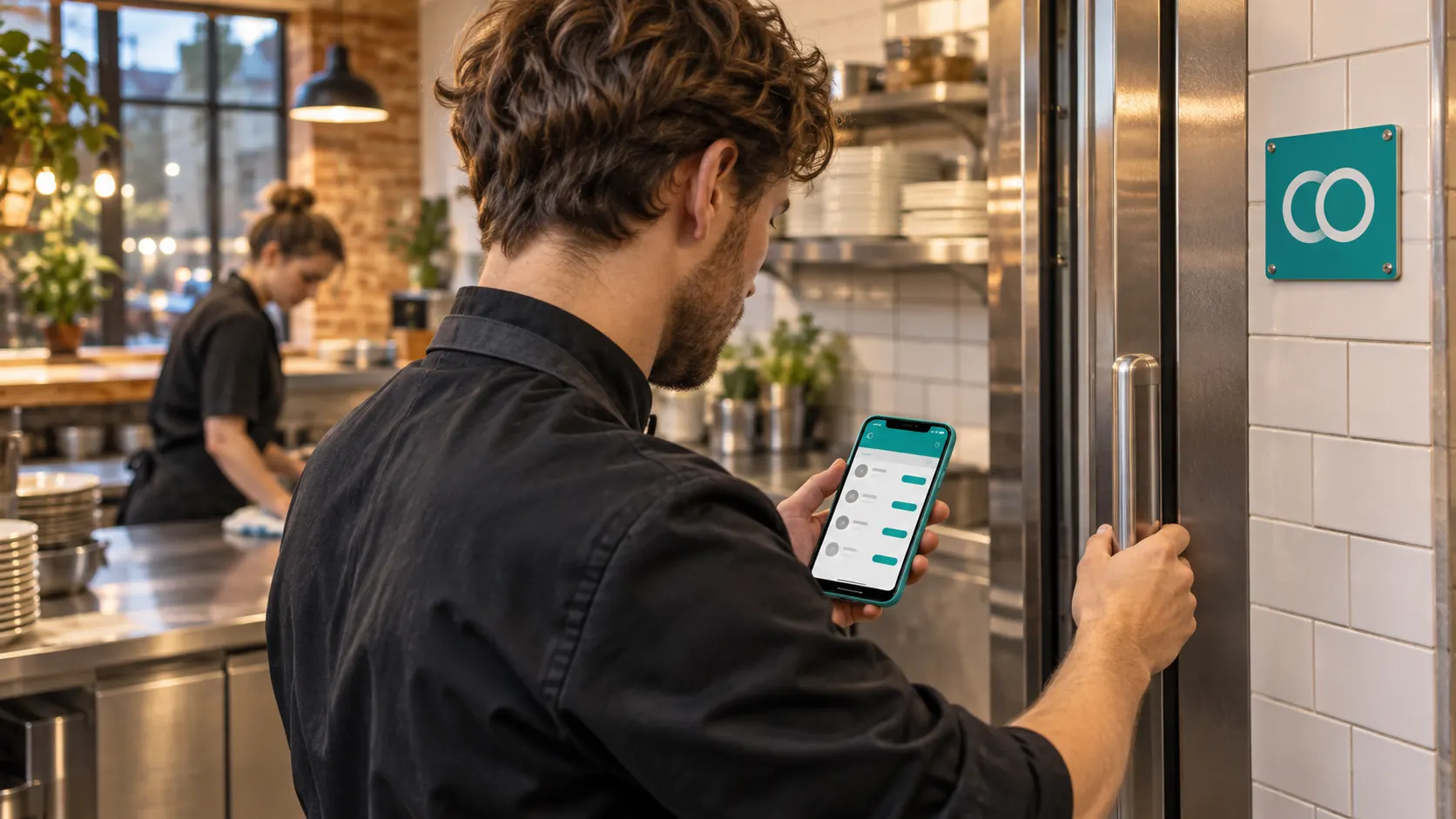
When a colleague officially covers, the absent person's routine tasks appear in full on the covering colleague's phone, each with its how-to guide when one is attached, and they can ask Ask AI about any procedure. Back to Thursday night: this is what Mia would see.
- 1
Someone accepts the cover
Tom's leave is in the app. The manager asks one person or a group to cover, and the first to accept takes the shift. That acceptance is what makes it official.
- 2
Tom's routine lands on Mia's phone
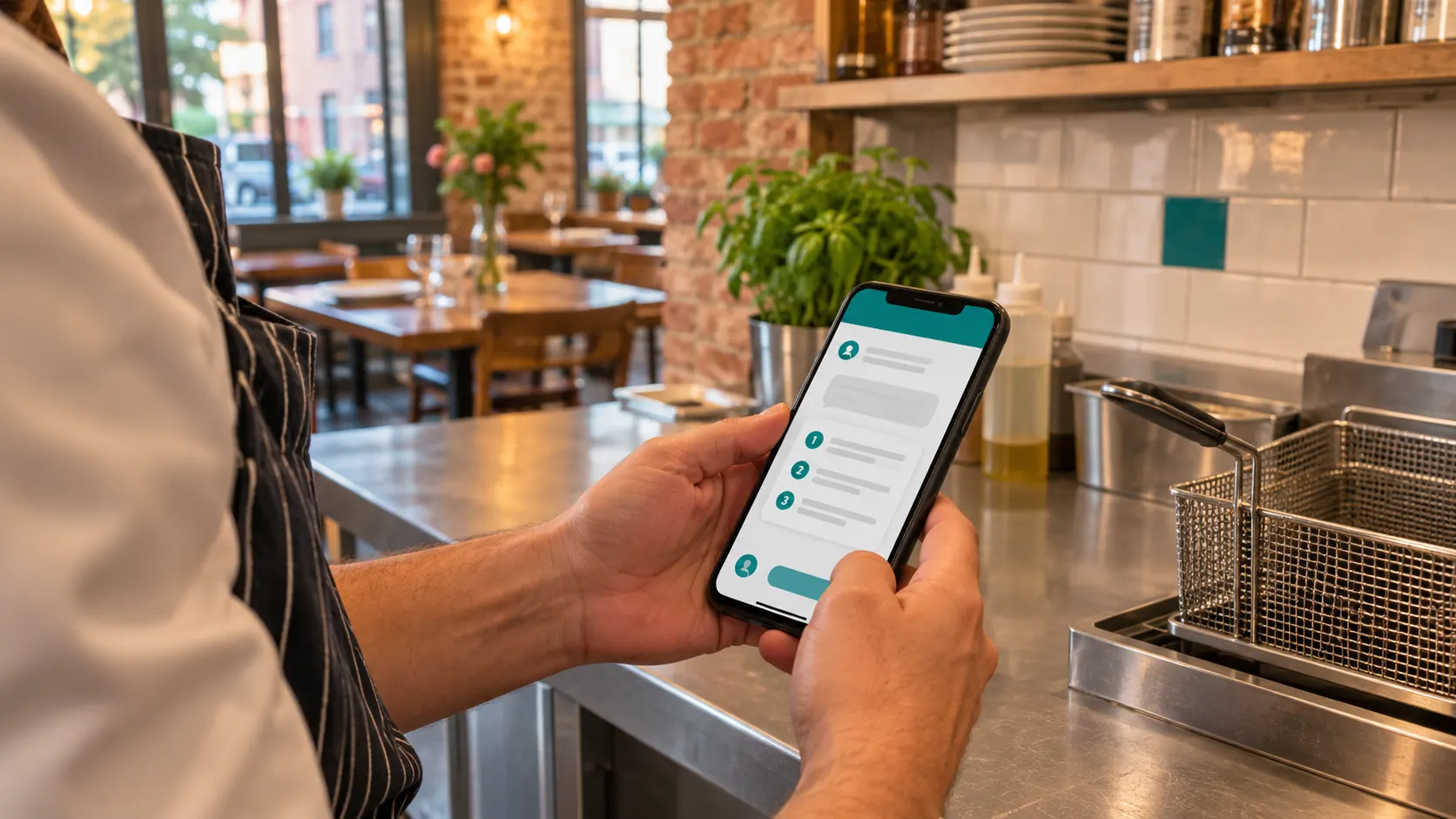
Every routine task Tom would have had that day appears on Mia's phone. Where a guide from your team Handbook is attached to a task, it comes with it, so she reads the steps right where she ticks the task off.
- 3
Stuck? She asks
If something isn't clear at 22:40, Mia doesn't have to call Tom. Ask AI answers from your own Handbook only, and says so when the answer isn't there.
Filter the fryer oil
22:30Guide attached · 6 steps
Walk-in fridge reading
22:45Guide attached · 3 steps
Closing cleaning checklist
23:00Guide attached · 9 steps
Ask AI
Where does the filtered oil go?
Answer taken from your guide “Closing: fryer” — step 4.
Simplified illustration, not the exact app screen.
Leave requests, first-to-accept cover, swaps, overtime rules and timesheets are explained step by step in our shift management guide. Clock-ins work as described in staff attendance tracking.
 Guide on the task
Where does Loopapa fit, and where doesn't it?
Loopapa fits small restaurants that want hours, tasks, know-how and kitchen checks in one app. It is not the right choice if what you need most is a rota built for you or pay calculated for you.
A good fit when
- A few people cover each other, and each owns routines nobody else knows well.
- Your days run on checks: opening, closing, temperatures, cleaning.
- Your team speaks several languages — tasks are translated automatically into 20+ languages.
- You want work hours, tasks, your Handbook and kitchen checks in one app instead of four.
Look elsewhere if you need
- Auto-generated rotas or demand forecasting. In Loopapa you set each person's standing hours; it does not build the rota for you.
- Pay calculation. Loopapa exports payroll-ready hours; it does not work out wages or tips.
- Labour-law checks. Loopapa does not check rotas or worked hours against the Working Time Regulations or any other country's rules.
- A tool for other industries. Loopapa is built for restaurants, cafés, bars and hotels.
In the UK
What working-time rules does a UK rota have to respect?
In the UK, staff cannot work more than 48 hours a week on average, normally averaged over 17 weeks, unless they choose to opt out, according to GOV.UK. Workers under 18 cannot work more than 8 hours a day or 40 hours a week, and employers need to keep some records of working hours. A rota that ignores these limits creates problems no app can fix later.
20 min
One uninterrupted rest break for workers over 18 who work more than 6 hours a day.
11 h
Rest between working days. Finish at 23:30, and the next start should not be before 10:30.
24 h / 48 h
An uninterrupted 24 hours off each week, or 48 hours each fortnight.
Source: GOV.UK, Rest breaks at work. Checked November 2026.
Frequently asked questions
What is the best staff rota app for a small UK restaurant?
There is no single best one. For a simple rota with UK support, RotaCloud and Findmyshift are easy starts; for labour forecasting, look at Deputy or Planday; if the problem is that work gets missed when someone is off, compare Connecteam and Loopapa on the handover table above.
Do rota apps pass a shift's tasks to the person covering?
Some do, in different ways. Connecteam keeps tasks on the shift, 7shifts on a role or department, and Deputy on a work area and time. Loopapa moves the absent person's own routine tasks, with any attached guide, to whoever covers.
Is a rota app the same as shift management?
Not quite. A rota answers who works when; shift management also covers what happens after the rota is published — sick calls, swaps, overtime and handovers. Our shift management guide explains the difference.
Will a rota app check the Working Time Regulations for me?
Some list compliance warnings, such as Planday. Loopapa does not check working-time law. Whatever app you use, you stay responsible for respecting the rules, so check them on GOV.UK.
How do I hand over closing duties when someone calls in sick?
Write each closing routine down once, as recurring tasks with a short guide. Make the cover official, so one named person accepts it. Then give that person somewhere to ask that isn't the colleague who is ill — a team Handbook they can search or ask.
Cover the shift — and the work that comes with it
Set your team's hours, find cover in minutes, and let the person covering get the tasks, the guides and the answers on their own phone.
Try it free for 14 daysAvailable on iPhone and Android.