
Restaurant Time Tracking: What to Record
Restaurant time tracking: what to record for every shift, how to handle split shifts and missed clock-outs, and how to do it from staff phones.

It is Friday, 23:40. Your part-timer unties her apron, waves from the pass and is gone before the last table has paid. Nobody taps anything. Nobody writes anything down.
On Monday morning you sit down with the paper timesheet and fill in the week from memory. Friday… she left around half past eleven? Or was it closer to midnight? You write 23:30 and move on.
Two weeks later the payslip goes out, and so does a polite message: “I think 40 minutes are missing from Friday.” You cannot prove her wrong, and you cannot prove her right. The only record of Friday night is your guess.
In short
A restaurant time record is a daily log of when each person started, stopped and took breaks, written down at the time — not rebuilt from memory days later. Keep the start, end, breaks and daily total for every person, note who made each entry, and never overwrite a mistake: correct it and keep the trail. Paper works if it is filled in on the day; an app on staff phones records the time at the moment of clock-in and clock-out. The exact legal rules differ from country to country.
Why does a restaurant need a record of working time?
Because it is the only fair answer to the question “how many hours did I work?”. A good time record protects both sides: your staff are paid for every hour they worked, and you pay only for hours that were actually worked.
In a restaurant the record earns its keep in four places:
- Pay. Hourly staff, part-timers and casual helpers are paid from the hours on the record. A guessed end time is a guessed wage.
- Overtime. Long Saturdays and late closes add up quietly. A daily record shows extra hours in the week they happen, not when the payroll total surprises you.
- Disagreements. When someone questions a payslip, a record written on the day settles it in a minute. A record written on Monday from memory starts an argument.
- Inspections and planning. Records show what really happened, so you can answer an inspector — and plan next month's rota from real hours instead of planned ones.
There is a legal side too. In May 2019 the Court of Justice of the European Union ruled in case C-55/18 that EU member states must require employers to set up an “objective, reliable and accessible” system that measures the time each worker works each day (CJEU press release No 61/19). How each country turns that into law — what exactly to record, by when, how long to keep it, and whether paper is still enough — differs. Check the rules of the country your restaurant is in.
 Hours written from memory
What should a time record contain?
At minimum: who worked, on which day, when they started, when they finished, the breaks in between and the total for the day. Add who made each entry and when, and keep every correction visible. That is enough to calculate pay, spot overtime and answer questions months later.
| Field | Why it matters | Practical tip |
|---|---|---|
| Person and date | Every entry belongs to one person and one working day. | For shifts that run past midnight, decide once which day they belong to and stick to it. |
| Start time | The moment paid work begins. | Record when work starts, not when the person walked in for coffee. |
| End time | The moment paid work ends — the entry most often guessed. | Write it at the end of the shift, not at the end of the week. |
| Breaks | Unpaid breaks change the total. | A split shift is easiest as two separate entries. |
| Total for the day | What pay and overtime are calculated from. | Let a sheet or app add it up; mental arithmetic at midnight goes wrong. |
| Who entered it, and when | Shows whether the time was recorded on the day or rebuilt later. | Staff entering their own time is fine — the business still checks it. |
| Corrections | Mistakes happen; the trail is what keeps trust. | Never overwrite. Keep the original, the new time, who changed it and why. |
This is good practice for any restaurant. Your country may require more, or set a deadline for when entries must be made.
Split shifts, part-timers and missed clock-outs: what usually goes wrong?
Most time records fail in the same three places, and each has a simple fix.
Split shifts
Lunch service, a three-hour gap, dinner service. One line from 11:00 to 22:00 overstates the day; one line with a vague “break” understates it. Record two entries — 11:00–15:00 and 18:00–22:00 — and let the daily total add them up.
Part-timers and casual staff
The people who work the fewest hours are the ones whose hours are most often filled in later, in bulk, by someone else. They are also the ones for whom 40 minutes is a big share of the week. Give them the same daily routine as everyone else: start and end recorded on the day, by them or in front of them.
Missed clock-outs
Someone forgets to sign out. The worst fix is the quiet one: a manager types “23:00” on Monday and nobody knows it was a guess. Agree on a short routine instead:
- Leave the day open. Don't guess the end time; mark the entry as incomplete.
- Ask the person. The same day or the next morning, ask when they really finished.
- Check it. Compare with something independent — closing time, the last order, the rota.
- Record the correction. Write the confirmed time, who confirmed it, when and why. Keep the original entry visible.
Ten seconds of routine turns a future pay dispute into a note that answers itself.
 Time recorded at the moment it happens
Paper, spreadsheet or app?
Any of the three can work for a small restaurant. The real difference is when the time gets written down and how easy it is to fix a mistake honestly.
| Paper timesheet | Spreadsheet | App on staff phones | |
|---|---|---|---|
| Cost to start | Almost nothing | Almost nothing | A subscription after any trial |
| When time is written | Whenever someone remembers | Usually later, by a manager | At the tap of clock-in and clock-out |
| Typical errors | Rounded or guessed times, lost sheets, unreadable writing | Typing errors, formulas overwritten, copy-paste from last week | Forgotten clock-outs, phones left at home |
| Corrections | Crossed out — or quietly rewritten | Overwritten unless you keep a log by hand | Depends on the app: look for a log of who changed what |
| Totals and overtime | Added up by hand | Formulas, if they are right | Calculated automatically |
| Good enough when… | A very small team fills it in every day, on the day | One careful person owns it and updates it daily | Several people, split shifts, or you are not on site every evening |
If paper works for you because it really is filled in every evening, keep it. If your sheet is filled in on Mondays, the method is not the problem — the timing is, and an app fixes the timing.
How do staff clock in from their own phones?
With one tap at the start and one at the end of work — on the phone they already carry. Here is how it works in Loopapa, the team app we build for small restaurants, cafés and bars:
- Clock in where the work is. Each clock-in records the time and a GPS location. If you draw a work zone around the restaurant, a clock-in from outside it is blocked.
- Reminders at both ends. Staff get a clock-in and a clock-out reminder at the start and end of their set hours.
- Split shifts add up. Staff can clock in and out as often as the day needs; every session counts towards one daily total.
- A forgotten clock-out does not become a 14-hour shift. You set the hour your business day ends. A shift still open after that hour is closed automatically and held for review; the person confirms when they really finished before they can clock in again, and a time typed in by hand goes to a manager to approve.
- Corrections leave a trail. When an admin corrects a clock-in or clock-out time, the change is logged with who made it, when, and the previous time, and the day shows an “edited” mark.
- See who is on shift right now in a live view, without calling anyone.
- Hours that are ready to hand over. Regular, overtime and pending time are counted in My Record and Team Record, with an overtime policy per employee, and timesheets export as CSV or PDF for your accountant.
It runs on iPhone, Android and in the browser. For the full walkthrough of clock-in, the live view and shift reports, read staff attendance tracking from the phone. Setting the work zone and business day takes a few minutes in workspace setup.
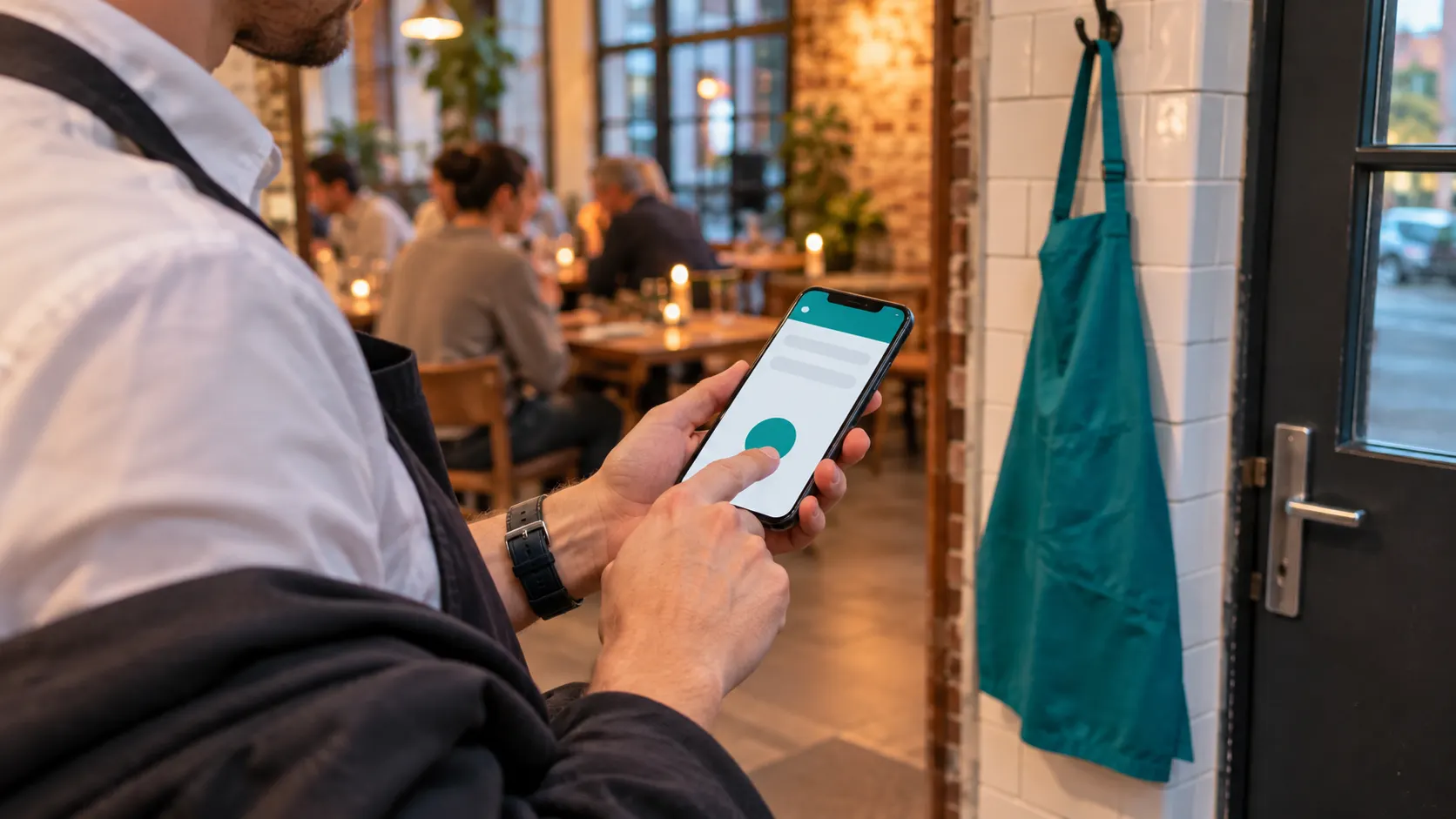 One tap to clock out
Where Loopapa fits — and where it doesn't
A good fit if…
- you run a small restaurant, café or bar and your staff have smartphones;
- split shifts, part-timers and late closes make your timesheet messy;
- you are not on site every evening but still want hours recorded on the day;
- you want hours, tasks and the team handbook in one app instead of three.
Not the right tool if…
- you need software that checks hours against working-time law — Loopapa records and counts hours, it does not check them against legal limits;
- you only want a punch clock and nothing else — a single-purpose tool may be simpler;
- your business is not in hospitality — Loopapa's other industries are not available yet.
Frequently asked questions
Do restaurants have to record their staff's working hours?
In the EU, the Court of Justice ruled in 2019 (case C-55/18) that member states must require employers to have a system that measures each worker's daily working time. What exactly must be recorded, by when and in what form is set by each country, so check the rules where your restaurant is.
What is the minimum a time record should show?
For each person and each day: start time, end time, breaks and the daily total. Adding who made each entry and keeping every correction visible makes the record far more useful when a question comes up later.
Can staff record their own hours?
Yes, and they are usually the best people to do it, because they know when they started and stopped. The business still checks the entries — for example by approving corrections and looking at the live view of who is on shift.
What should I do when someone forgets to clock out?
Don't guess. Leave the day open, ask the person when they really finished, check it against something independent such as closing time, and record the correction with who confirmed it and why. In Loopapa, a shift still open after your business day ends is closed automatically and held until the person confirms their finish time.
Is a paper timesheet still enough?
For a small team that fills it in every day, on the day, paper can work. Some countries already require, or are planning to require, electronic records, so check your local rules before deciding.
Record hours on the day, not on Monday
Staff clock in and out from their own phones, forgotten clock-outs are caught, and every correction keeps its trail.
Try it free for 14 days